
Legacy Subscription Billing
Archived documentation
This page describes the previous subscription billing model (monthly plans and execution credits). New accounts use Pay as You Go billing. If you still see Micro, Starter, Grow, or Prime in the app, this guide applies to your account.
Billing page
When a paid plan or trial is active, the Billing section becomes available in your account's left menu. On this page, you can see your current plan, the number of available credits, a Manage payments button, and tabs for Extra Credits, Boosts, and Plug&Play Tokens.
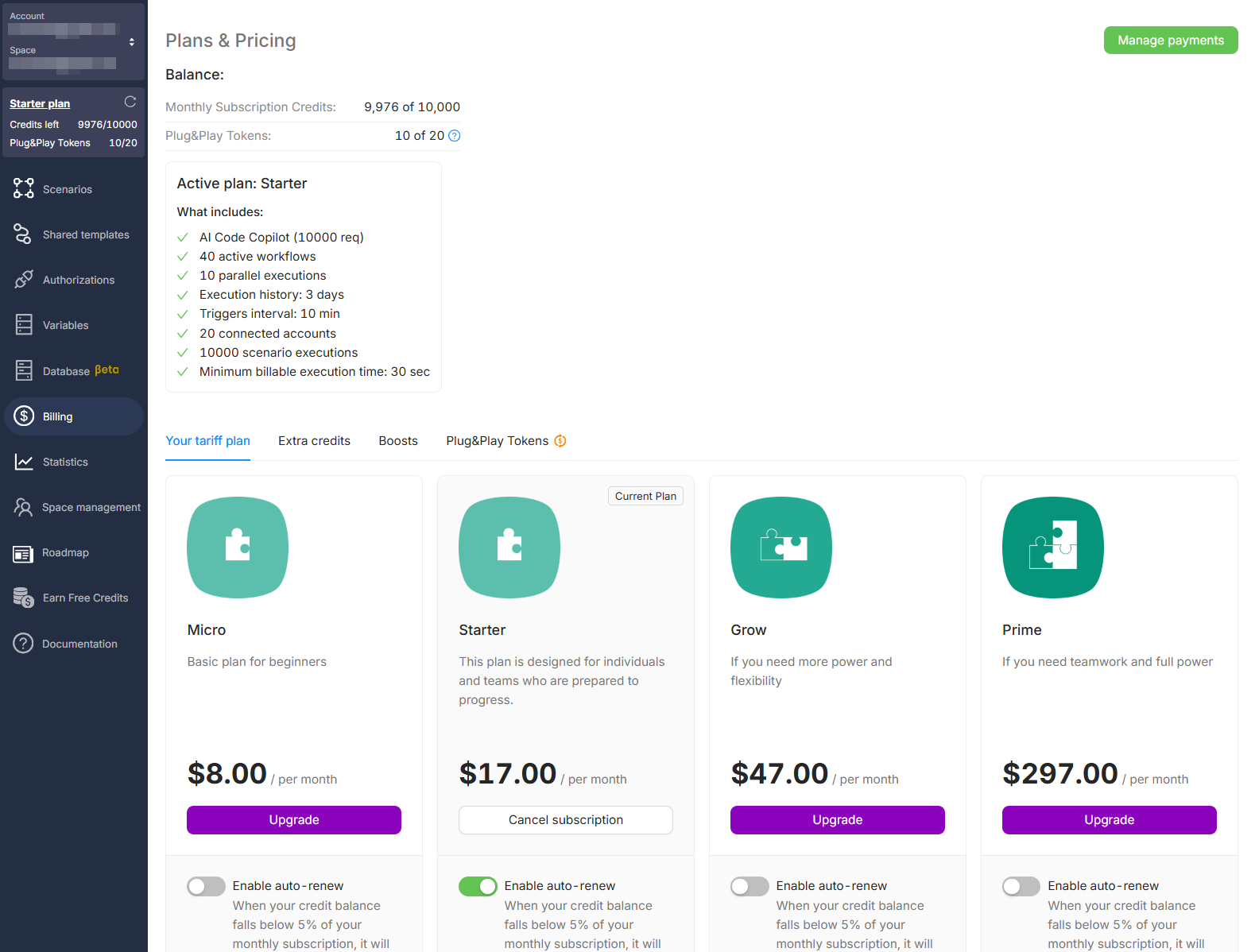
Below, you find all available plans: Micro, Starter, Grow, and Prime. Each plan card displays:
- The number of included credits
- Limits on scenarios, flows, triggers, etc.
- A button to start a trial or activate the plan (if not activated before)
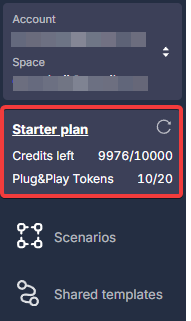
The current balance is also always visible in the left menu on any Latenode page:
How to activate a subscription
- Go to Plans & Pricing
- Choose the plan you need
- Click Start trial (14 days) or proceed with direct payment
- Confirm the payment; your subscription is now active
How to cancel a subscription
-
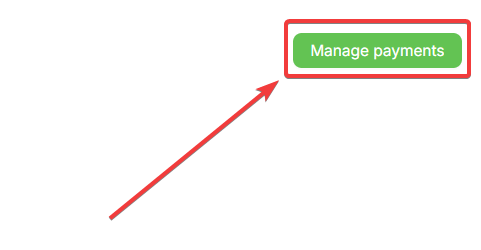
Click Manage payments
-
The Stripe interface will open
-
Find the active subscription
-
Disable auto-renew or cancel the subscription completely
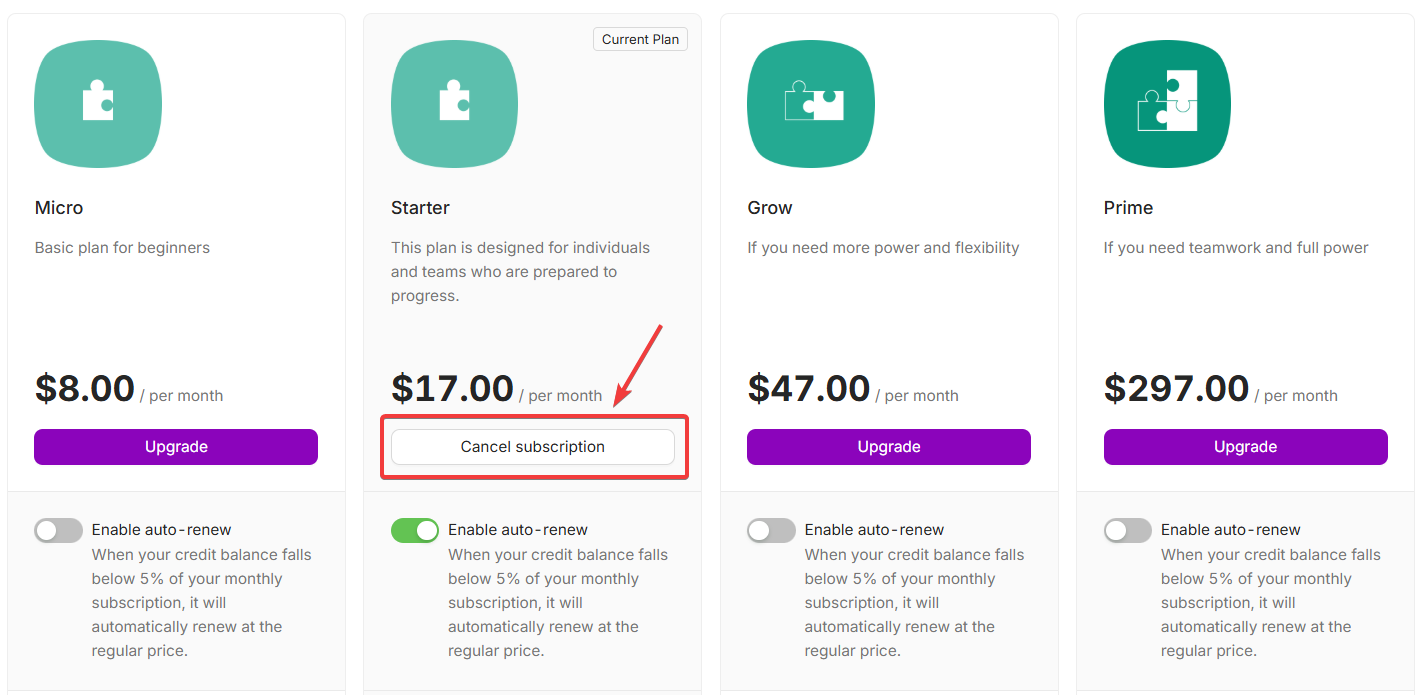
Alternatively, cancel from the active plan menu by clicking Cancel subscription.
Need Help? Ask the community
If something on this page is missing or unclear, post on the Latenode community forum. Our team and other users usually reply quickly.