
Introduction
Latenode is an AI workflow automation platform. Build automations on a drag-and-drop canvas, use 1,200+ AI models without managing API keys, and connect 5,500+ integrations - all in one subscription.
What you can build
AI Agents and Chatbots. Build intelligent assistants that handle customer support, answer questions from your knowledge base, and take real actions: create tickets, update CRM records, send messages - without human intervention.
Business Process Automation. Eliminate manual work: sync leads between CRM and spreadsheets, route support tickets, send follow-ups, process form submissions, generate reports on a schedule.
Data Pipelines. Extract data from any source, transform and enrich it, and push it where it needs to go. Process invoices, aggregate analytics, move records between databases automatically.
Developer Workflows. Build on top of any API with custom HTTP requests and full JavaScript in every node. Handle webhooks, orchestrate multi-step processes, connect internal services, and automate dev team operations.
AI Assistant
Ask questions. Ask about any node, have it explain a scenario, or suggest improvements. The AI assistant answers in the context of what is open on the canvas.
Build scenarios. Describe the task - the assistant proposes a structure and places nodes on the canvas. Refine, edit, add conditions right in the chat.
Debug. Something went wrong - describe the problem. The assistant finds where it broke and suggests how to fix it.
How it works
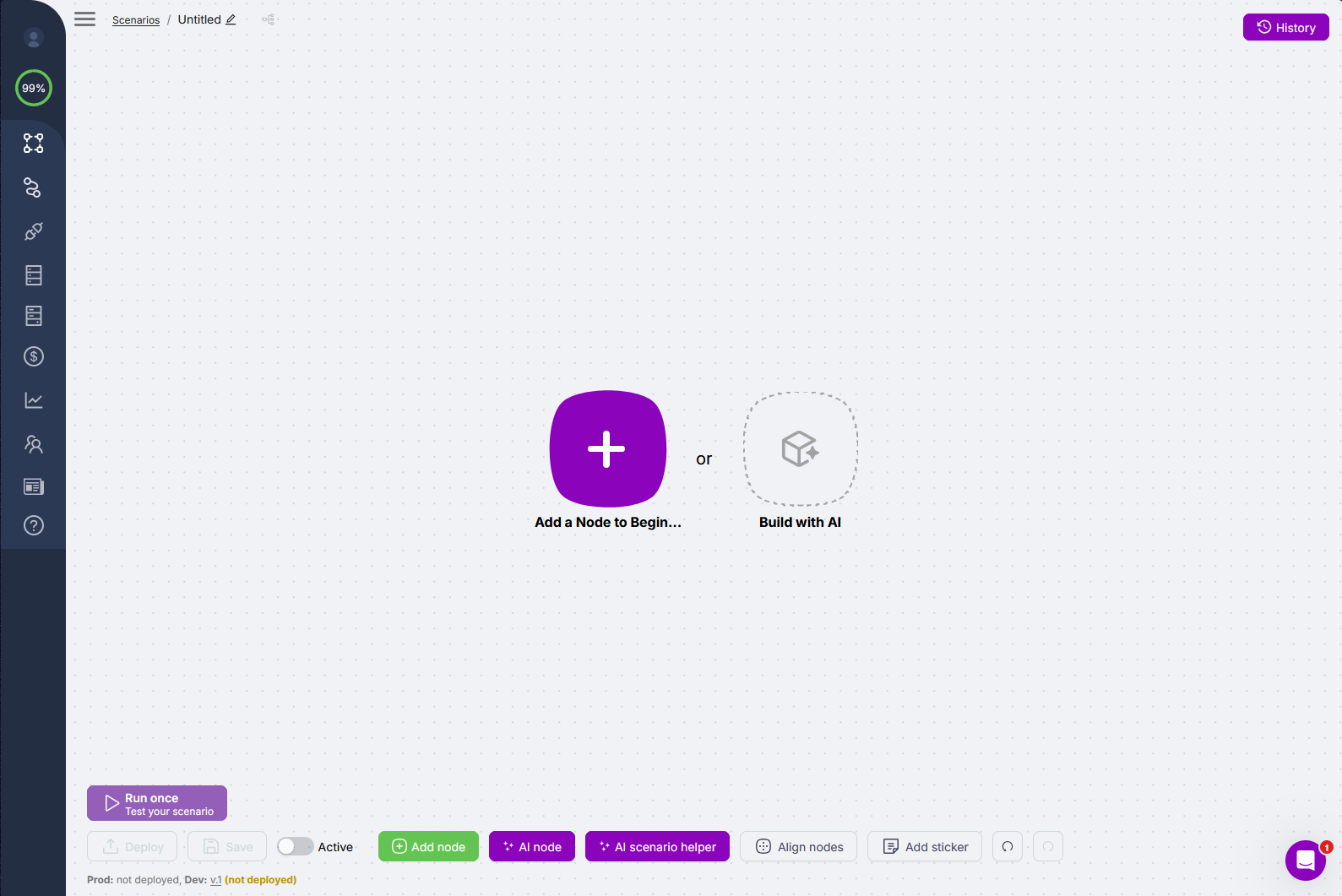
Visual builder: nodes and connectors on the canvas - you see the full path from input to output at once, without hunting through nested settings.
When it runs: on an event in a connected app, on a schedule, or when a webhook receives a request.
Hundreds of AI models out of the box: drop in a node - the model is ready to use instantly. No API keys required.
Agentic workflows: the AI Agent picks which tool nodes to call and in what order - based on the task, not a fixed if-then ladder.
Integrations
Latenode connects to your entire stack. OAuth is handled automatically.
- AI models: GPT-4o, Claude, Gemini, Llama, Mistral, DeepSeek, Stable Diffusion, HeyGen, and 1,200+ more - all on one balance, no separate API keys
- CRM and sales: Salesforce, HubSpot, Pipedrive, Zoho
- Communication: Slack, Gmail, Telegram, WhatsApp, Discord, Microsoft Teams
- Productivity: Notion, Google Sheets, Airtable, Jira, Asana, ClickUp
- Databases: PostgreSQL, MySQL, MongoDB, Supabase, Airtable
- Custom: HTTP Request node, JavaScript node, webhooks - connect anything with an API
What's next
Need Help? Ask the community
If something on this page is missing or unclear, post on the Latenode community forum. Our team and other users usually reply quickly.