
RAG Database
RAG Search Node
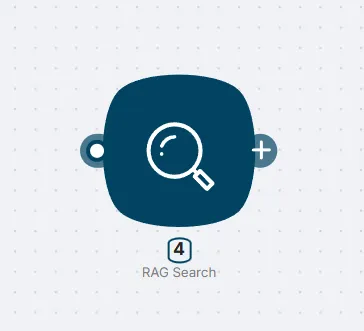
Node: RAG Search
To use stored data inside a scenario, connect the RAG Search node from the AI Agent > Actions category.
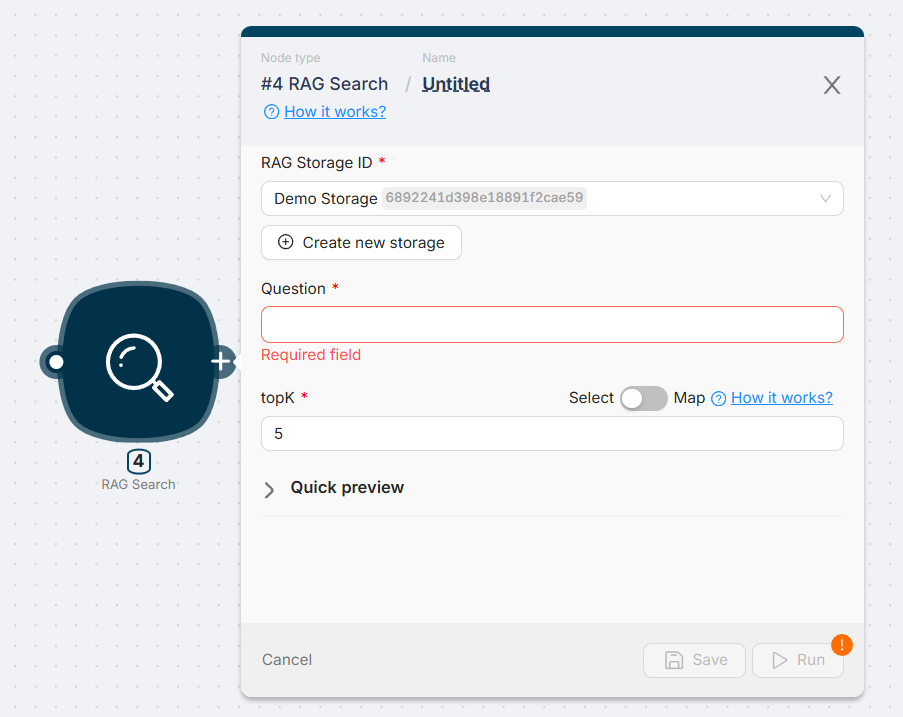
Main Fields (RAG Search Node)
| Field | Description |
|---|---|
| Storage | Select the storage to search in |
| Question | Natural language query |
| Top_k | Number of chunks to return (default: 5, max: 20) |
How It Works
- You upload a document into a storage
- The document is automatically split into chunks and indexed
- RAG Search receives a query and performs embedding-based retrieval
- The node returns raw chunks that match the query
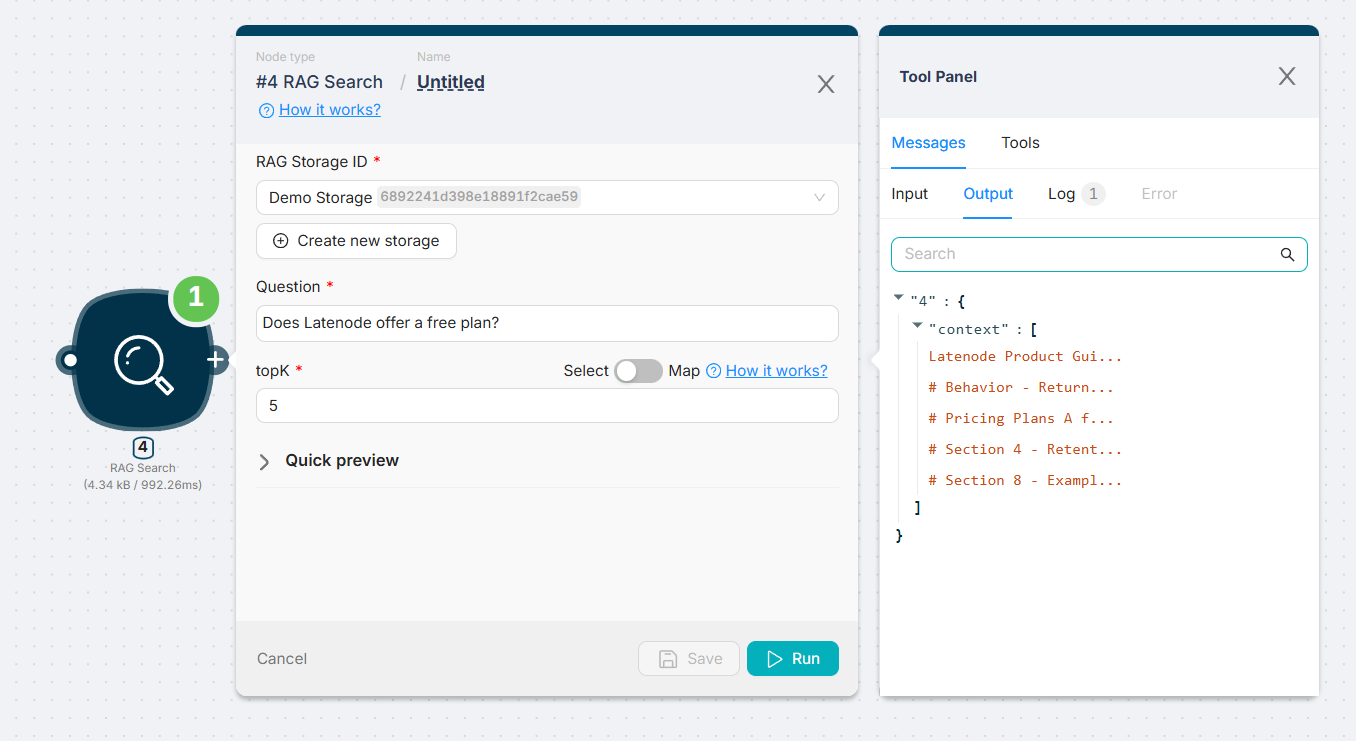
Node Execution Example
A natural language query is passed into the node, which returns a list of matching chunks based on the specified top_k.
AI Data Storage
Store, manage, and index documents with chunking and embedding for semantic search.
Using AI Agent with RAG
Connect AI Agent to RAG Search to build smart, document-aware automation flows.
Need Help? Ask the community
If something on this page is missing or unclear, post on the Latenode community forum. Our team and other users usually reply quickly.
0/100
0/2000