
Node Restart on Error
All action nodes on Latenode include Retry if This Node Returns an Error in the advanced settings. This option lets the system automatically restart the node and retry the request when the service returns an error.
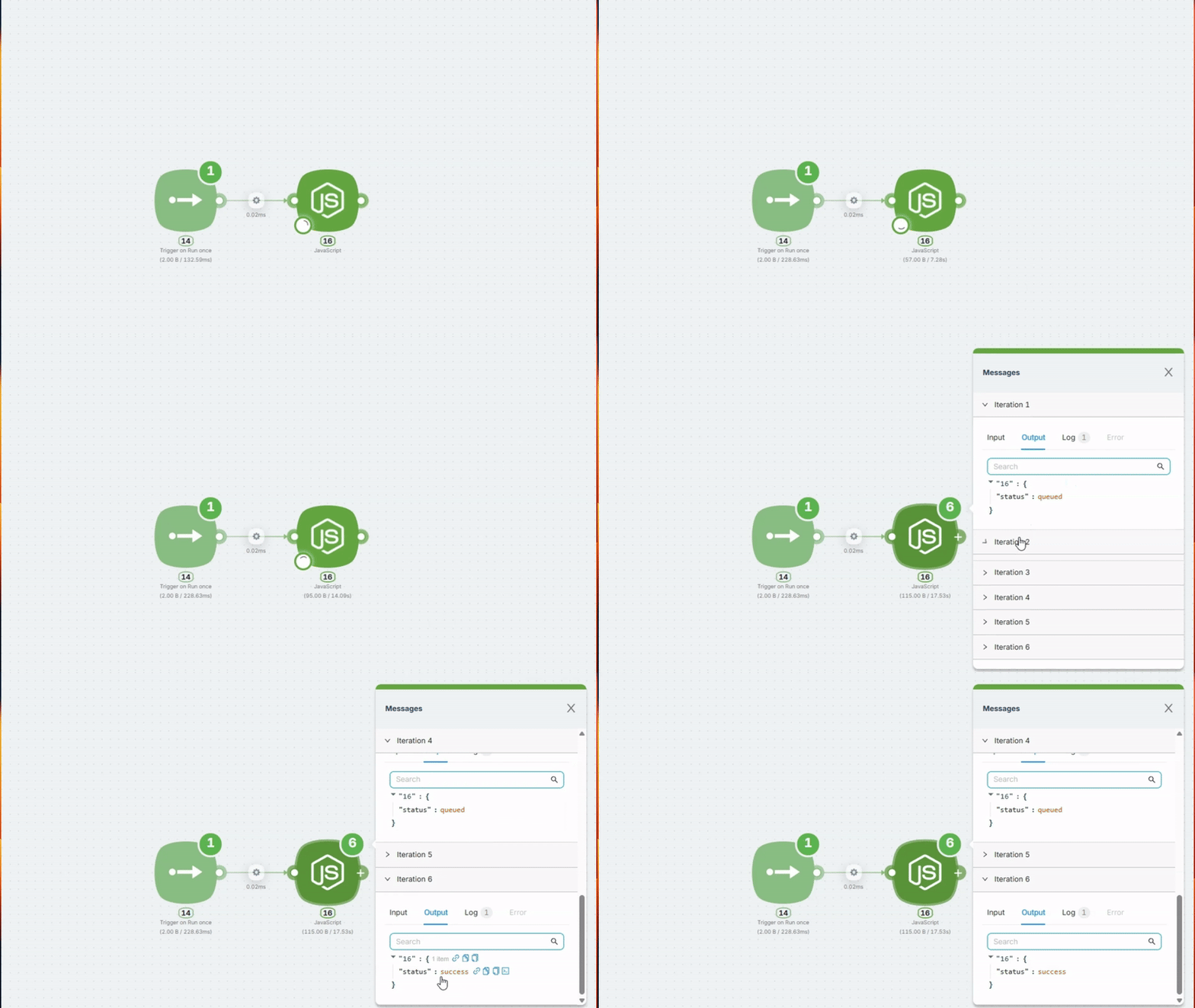
When You Need This
The service you're calling returns an error — 500, 503, timeout, 429 "Too Many Requests", etc.
Normally, this would stop your scenario. With retry enabled, the system automatically repeats the request a specified number of times with a defined pause between attempts.
When to use this:
- API sometimes responds with 500 or 503
- Timeouts occur during high load
- Service returns 429 when rate limit is exceeded
Configuration
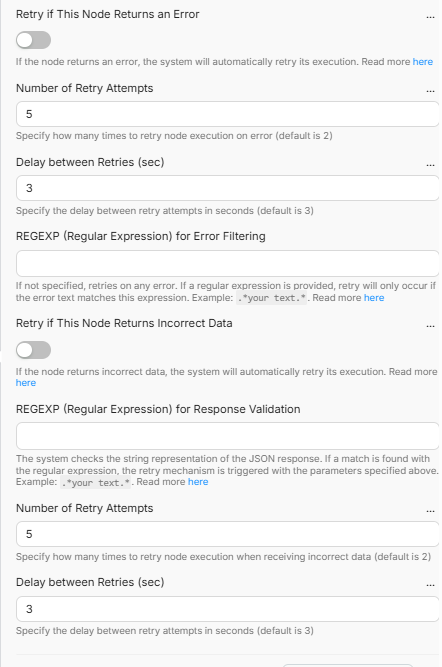
Retry if This Node Returns an Error — enable automatic retry when the node throws an error.
Number of Retry Attempts — how many times to retry the request (default: 2).
Delay between Retries (sec) — pause between attempts in seconds (default: 3).
REGEXP (Regular Expression) — optionally filter which errors trigger a retry. By default, any error triggers a retry. If you set a pattern, only errors matching it will cause a restart.
Important: Without .*, the pattern only matches if the entire error message exactly equals your word. Always write .*(your_pattern).*
Pattern Examples
| Use Case | Pattern |
|---|---|
| Retry only on 500 errors | .*500.* |
| Retry on 500 or 503 | .*(500|503).* |
| Retry on timeouts | .*timeout.* |
| Retry on rate limit (429) | .*429.* |
| Retry on 5xx errors | .*5\d\d.* |
Uses the Go (RE2) regular expression engine. Supported: \d, \s, \w, |, (). Not supported: lookahead (?=...) and lookbehind (?<=...).
For regular API errors, 2–3 attempts with a 3–5 second delay are usually enough.
What's Next
Platform & Limits Errors
Errors related to platform limits, execution limits, and resource limits.
Node Restart on Incorrect Response (Polling)
Retry the request at set intervals until the API returns the expected result (e.g. status completed).
Need Help? Ask the community
If something on this page is missing or unclear, post on the Latenode community forum. Our team and other users usually reply quickly.