
Anthropic Claude

The Anthropic Claude node runs Sonnet, Opus, and Haiku in your scenarios.
Plug and Play (PnP) billing
This is a PnP (Plug and Play) node: Latenode meters usage and charges PnP tokens on top of scenario CPU seconds (1 PnP token = $1). You do not add your own API key on this node. Per-model prices are shown in the node settings where you pick the model.
Your own API key
To use your provider account and key instead, add the Custom LLM Connection node and a connection with the provider Base URL (the key is stored in the connection).
Getting structured output
Enter a prompt and run; the reply is plain text by default.
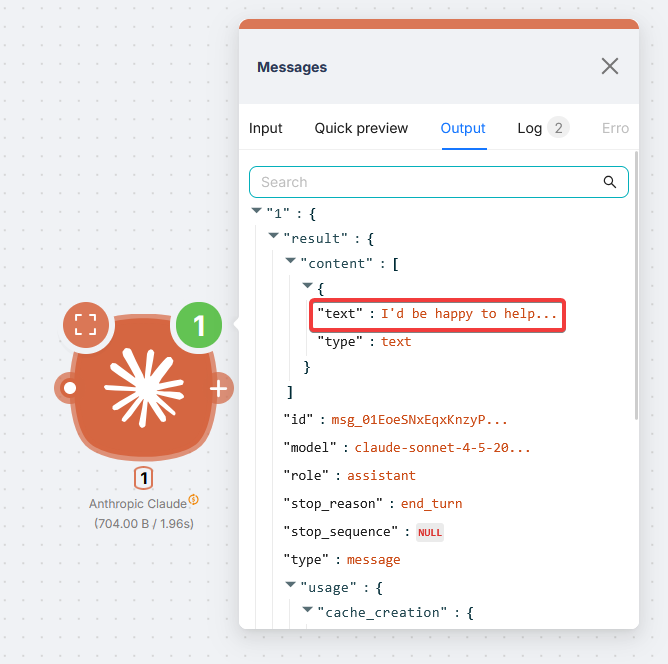
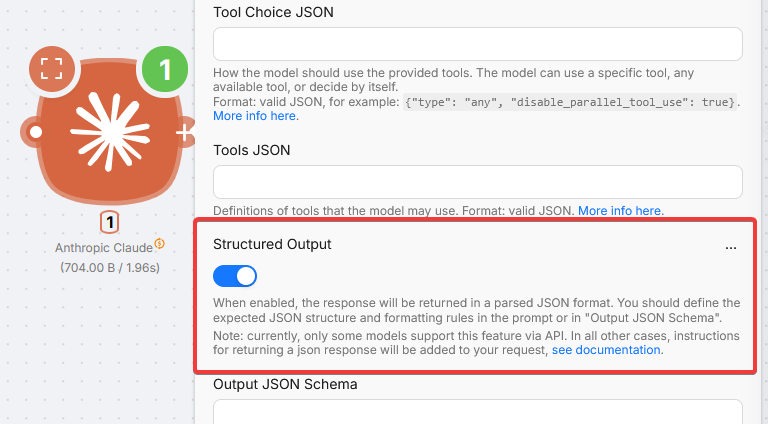
For JSON the next nodes can parse, enable Structured Output and ask for JSON in the prompt.
Simple: toggle plus prompt
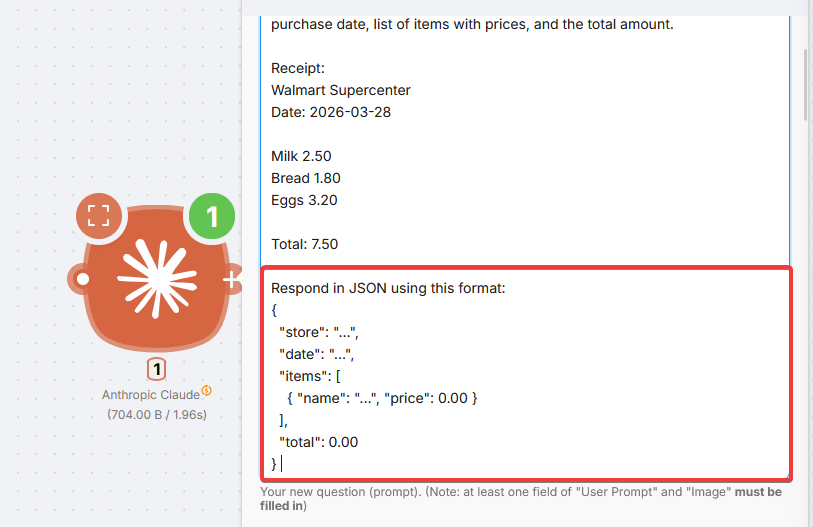
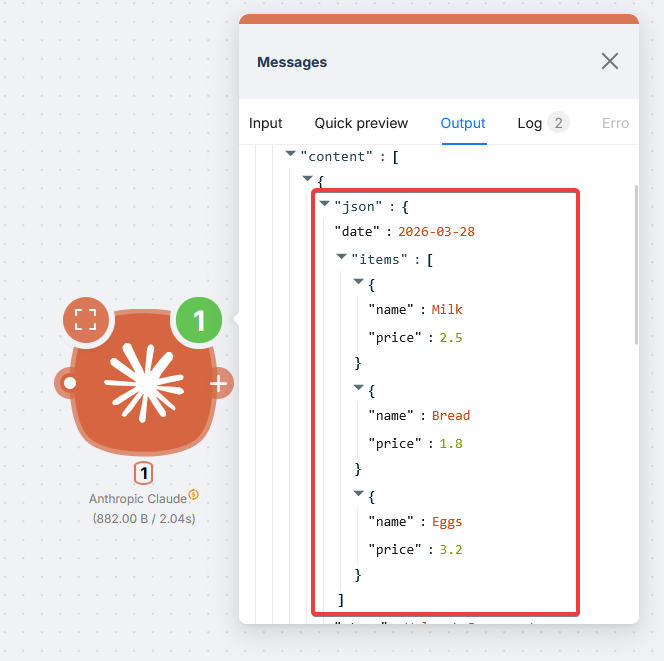
Example (receipt):
You are given a receipt text. Extract the store name, purchase date, list of items with prices, and the total amount.

Receipt:
{receipt_text}

Respond in JSON using this format:
{
  "store": "...",
  "date": "...",
  "items": [
    { "name": "...", "price": 0.00 }
  ],
  "total": 0.00
}
Native structured output via API exists only on some Claude models. If the model does not support it, Latenode adds JSON formatting instructions for you.
Advanced: Output JSON Schema
For strict fields and types, use Output JSON Schema.
Claude schema shape
Claude schemas start with "type": "object" without the name wrapper used in ChatGPT and OpenRouter. Adjust when copying between nodes.
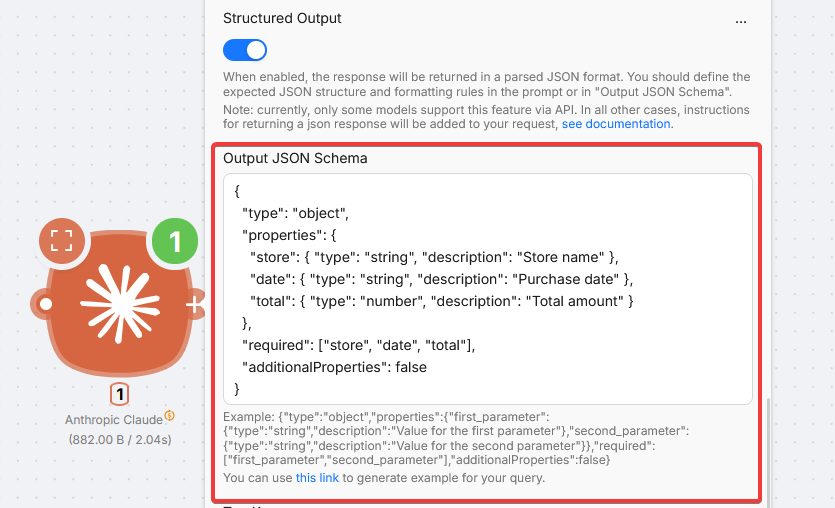
{
  "type": "object",
  "properties": {
    "store": { "type": "string", "description": "Store name" },
    "date": { "type": "string", "description": "Purchase date" },
    "total": { "type": "number", "description": "Total amount" }
  },
  "required": ["store", "date", "total"],
  "additionalProperties": false
}
Fields
AI GPT Router (OpenRouter)
Access many LLM providers through one OpenRouter-powered node with PnP billing.
ChatGPT
Send prompts to OpenAI models in scenarios with PnP billing, no API key required.
Need Help? Ask the community
If something on this page is missing or unclear, post on the Latenode community forum. Our team and other users usually reply quickly.