
Google Drive
Google Drive nodes manage files and folders (upload, download, copy, move, share) and can start scenarios when Drive changes.
Connection
First-time setup
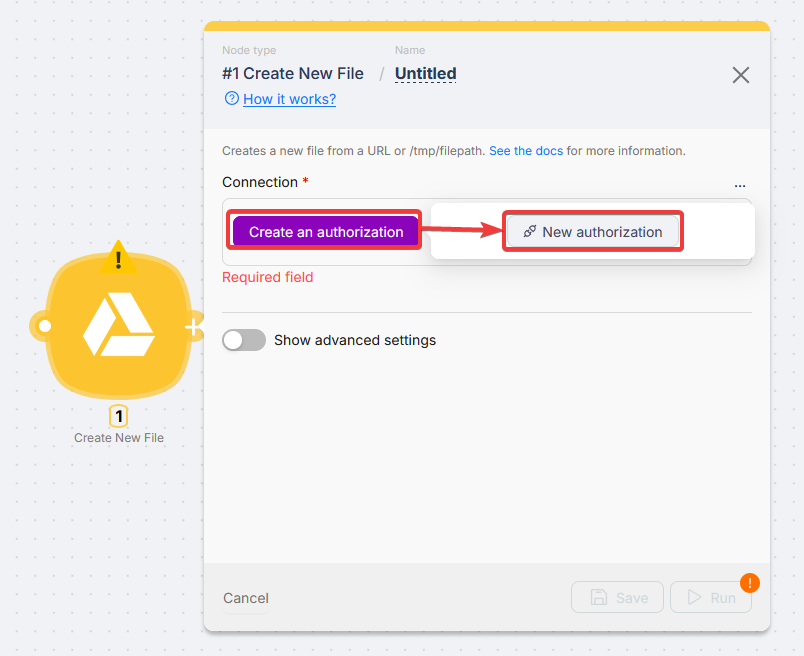
Click Create an authorization and choose a connection type.
Connection types
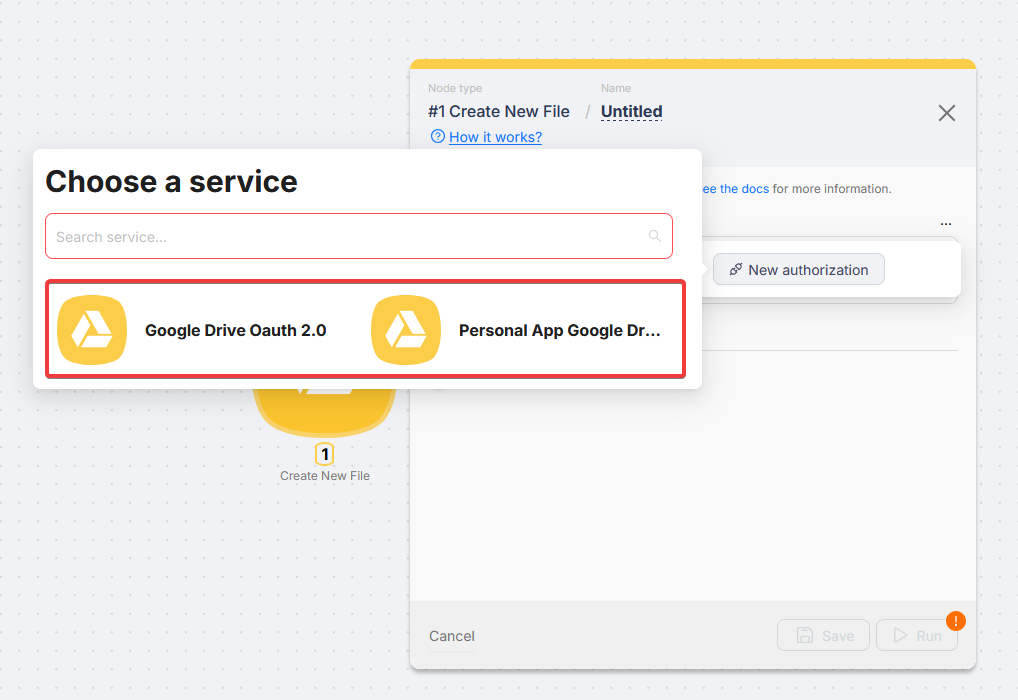
- Google Drive OAuth 2.0 - Recommended.
- Personal App Google Drive - Your OAuth client in Google Cloud.
Personal App setup
Authorization
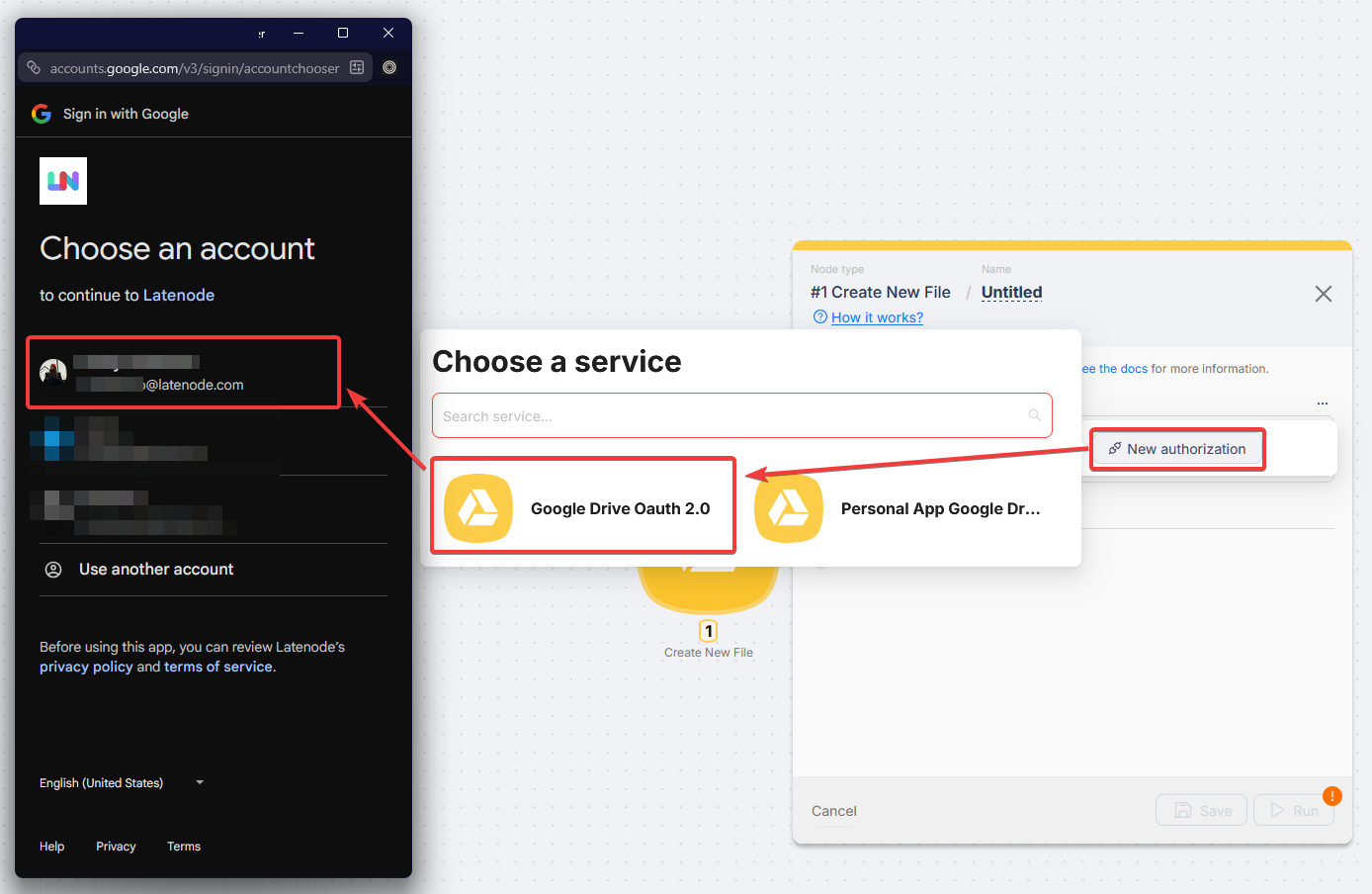
Sign in, grant access, confirm
The new connection appears in Connection when the window closes.
Reusing a connection
Use Use in the Connection dropdown or New authorization.
Triggers
All listed Drive triggers are instant (no polling delay).
Connection is your Google account dropdown. Drive ID, File, and Folder fields use searchable pickers with paging (how lists work). Switch a field to Map when you already have a drive or item id from another node.
Actions
Pick Connection and Drive ID first so file and folder pickers can load. Choose items in Select mode or paste ids with Map when the scenario supplies them.
Troubleshooting
Insufficient permissions / access denied
Reconnect and approve all requested Google scopes.
Connection expired (Personal App)
Testing projects: about 7-day tokens. Reauthorize or publish to In production.
Personal App
Google Calendar
Create, read, and manage Google Calendar events in Latenode scenarios.
Google Forms
Trigger Latenode scenarios when a new response is submitted to a Google Form.
Need Help? Ask the community
If something on this page is missing or unclear, post on the Latenode community forum. Our team and other users usually reply quickly.