
Iterator
The Iterator processes data one element at a time: you pass it an array or object, and it feeds each item into the chain in order. Use it to loop over lists, object properties, or query results.
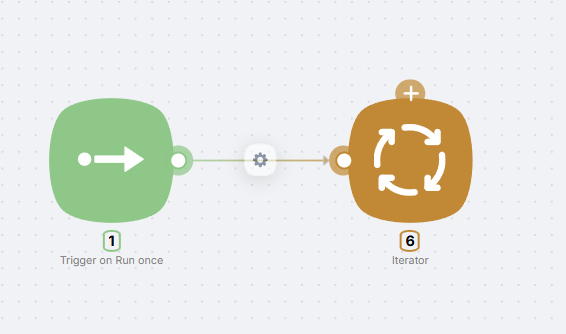
You can pass a JSON array (iteration over elements) or a JSON object (iteration over key–value pairs).
Configuration
Data to iterate field
In the single Data to iterate field, specify the array or object to loop over. You can reference data from a previous node (e.g. {{node.field}}) or enter a fixed value.
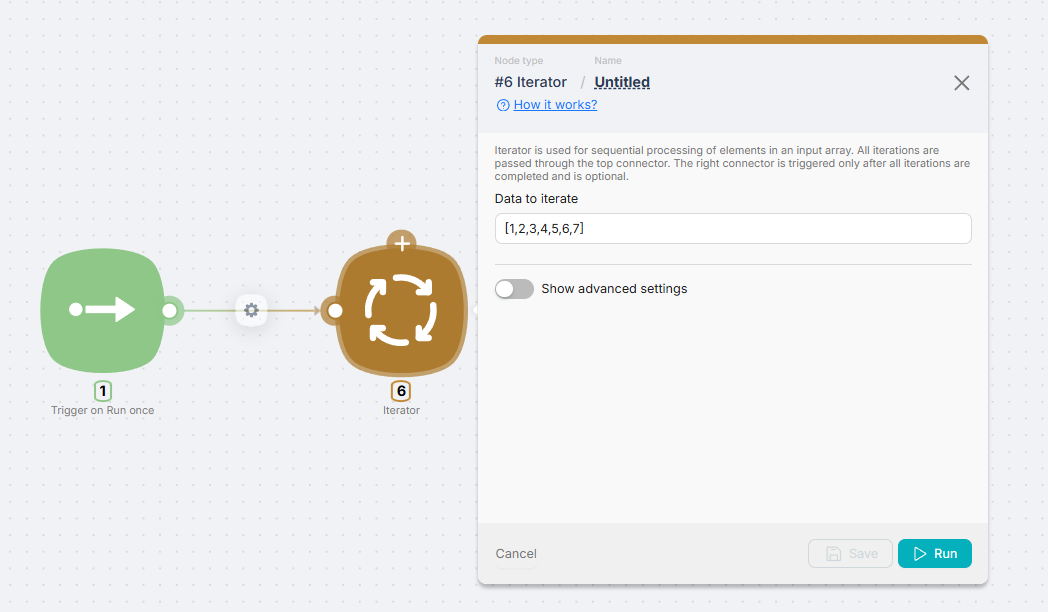
Connectors
- Top connector — connect nodes that should run for each element (the loop). They run as many times as there are items in the data.
- Right connector — runs once after all iterations finish. Useful for e.g. sending a webhook response or a final step.
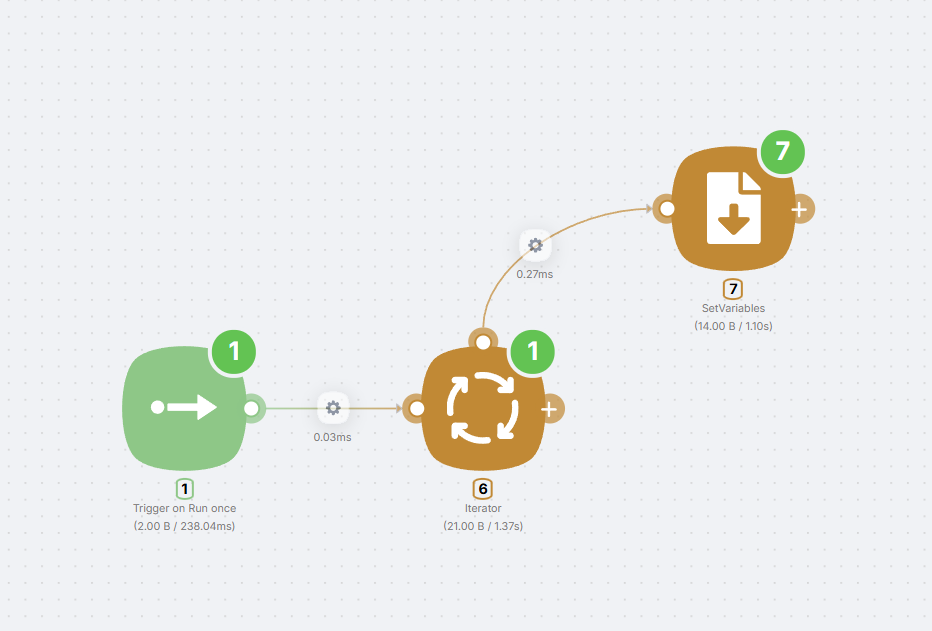
A node connected to the right connector runs only once. Nodes on the top connector run on every iteration.
Example
Typical flow: trigger or data node → Iterator (in Data to iterate, use an array like ["aaa", "bbb", "ccc"] or a reference to a previous node’s output). Connect a node that processes one item (JavaScript, HTTP Request, Set Variables, etc.) to the top connector. Optionally connect a node that runs after the loop (e.g. Webhook Response) to the right connector.
HTTP Request
Sending and receiving HTTP requests for API communication
SetVariables
Storing and retrieving variables within a scenario
Need Help? Ask the community
If something on this page is missing or unclear, post on the Latenode community forum. Our team and other users usually reply quickly.