
ChatGPT

The Send Message to ChatGPT node calls OpenAI models for text, images, and files inside your scenario.
Plug and Play (PnP) billing
This is a PnP (Plug and Play) node: Latenode meters usage and charges PnP tokens on top of scenario CPU seconds (1 PnP token = $1). You do not add your own API key on this node. Per-model prices are shown in the node settings where you pick the model.
Your own API key
To use your provider account and key instead, add the Custom LLM Connection node and a connection with the provider Base URL (the key is stored in the connection).
Getting structured output
Default replies are plain text.
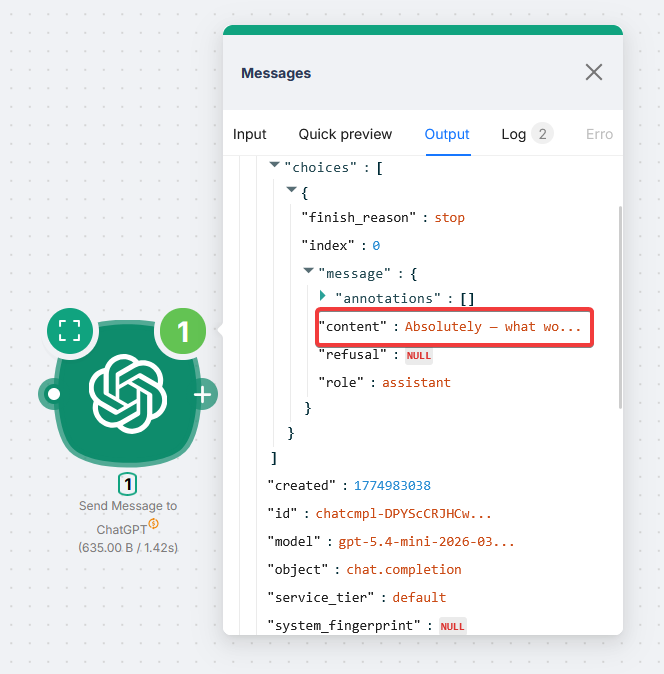
For JSON downstream nodes can use, enable Structured Output and describe the JSON shape in the prompt.
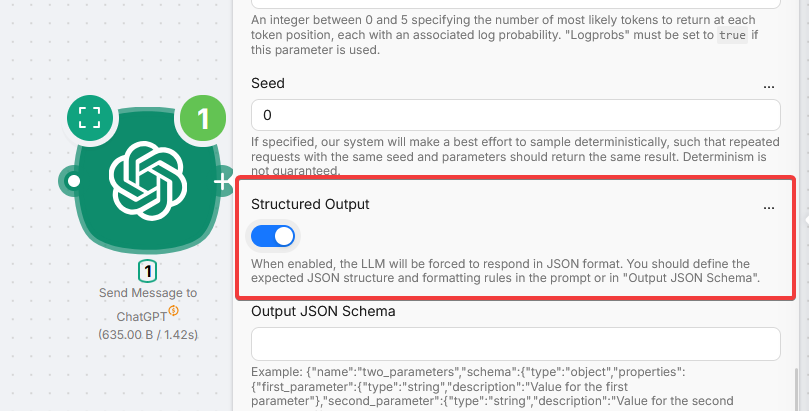
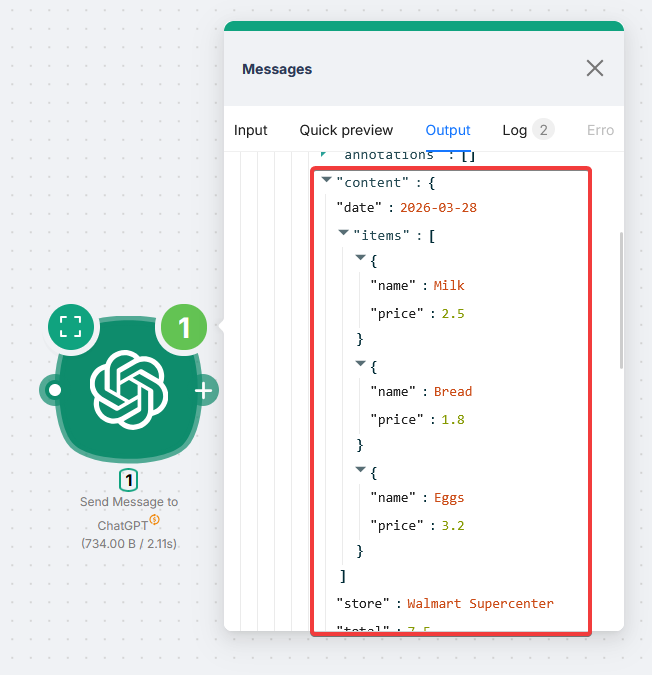
Example (receipt):
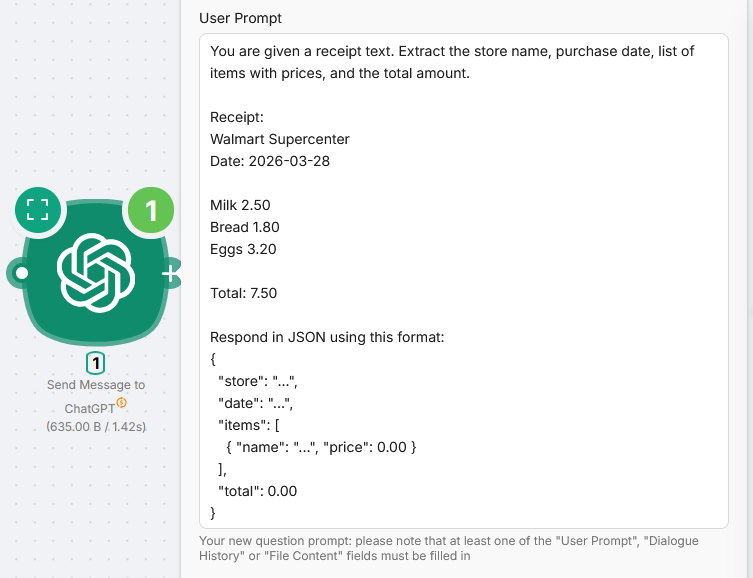
You are given a receipt text. Extract the store name, purchase date, list of items with prices, and the total amount.

Receipt:
{receipt_text}

Respond in JSON using this format:
{
  "store": "...",
  "date": "...",
  "items": [
    { "name": "...", "price": 0.00 }
  ],
  "total": 0.00
}
Advanced: Output JSON Schema
Schema format
ChatGPT and OpenRouter use a name wrapper around the schema. Claude does not. Copying between nodes without reformatting can fail.
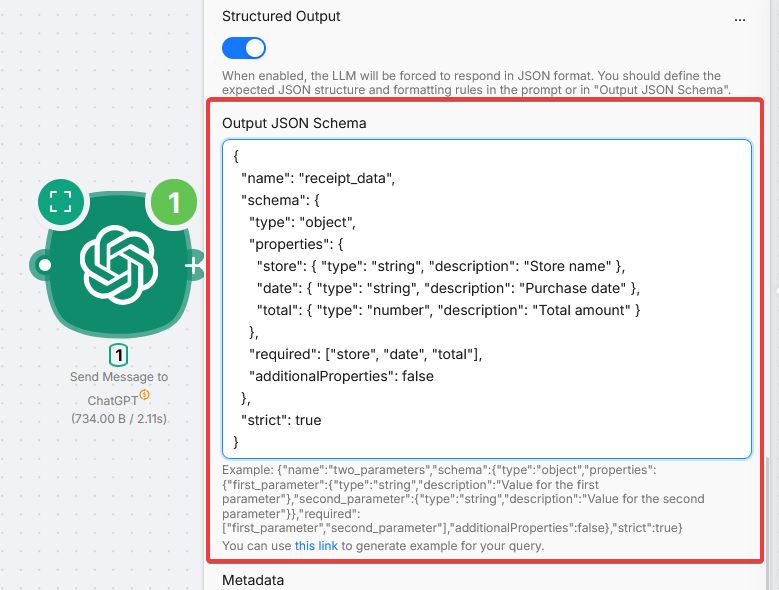
{
  "name": "receipt_data",
  "schema": {
    "type": "object",
    "properties": {
      "store": { "type": "string", "description": "Store name" },
      "date": { "type": "string", "description": "Purchase date" },
      "total": { "type": "number", "description": "Total amount" }
    },
    "required": ["store", "date", "total"],
    "additionalProperties": false
  },
  "strict": true
}
Fields
Anthropic Claude
Prompt Claude models in scenarios with Latenode PnP billing and no API key.
Custom LLM Connection
Call OpenAI-compatible APIs with your own key and base URL from a single node.
Need Help? Ask the community
If something on this page is missing or unclear, post on the Latenode community forum. Our team and other users usually reply quickly.