
App Authorization Instructions
Notion
To use the nodes in the Notion group, you need to create an authorization. Here's how to do it:
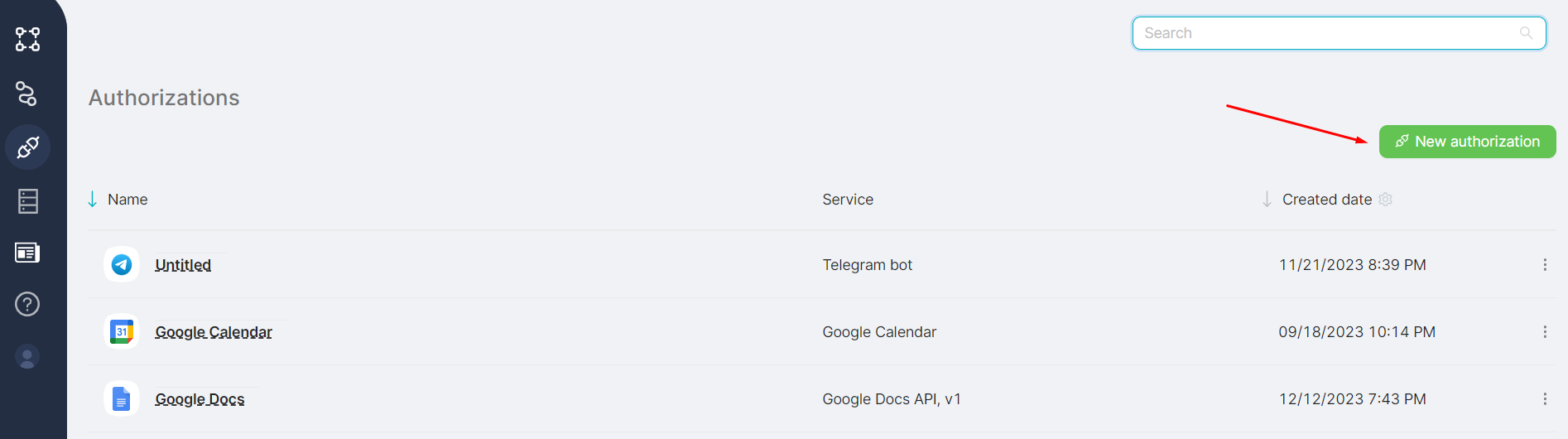
- Go to the Authorizations page and click on the New authorization button;
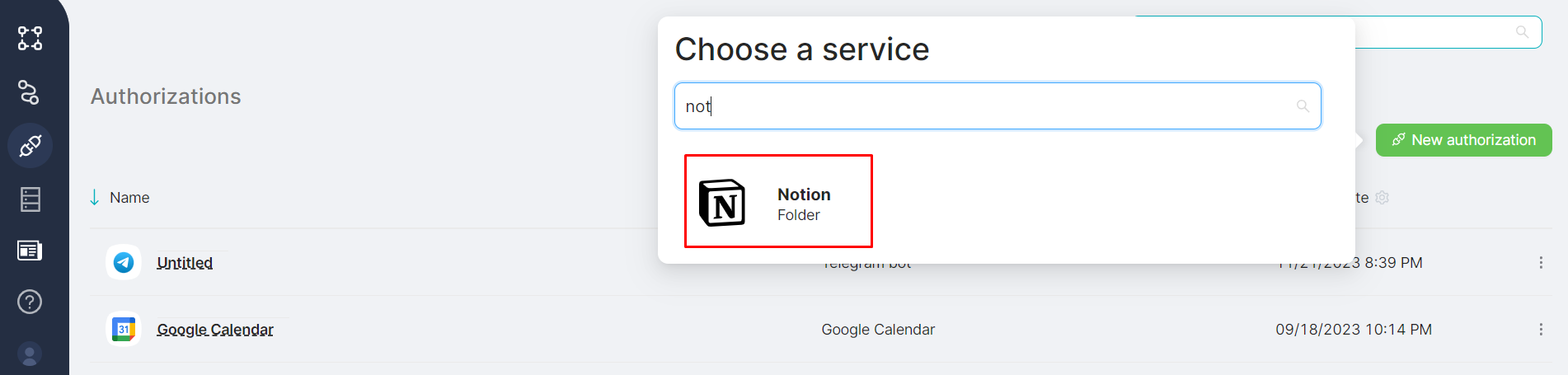
- In the Choose a service window, select Notion;
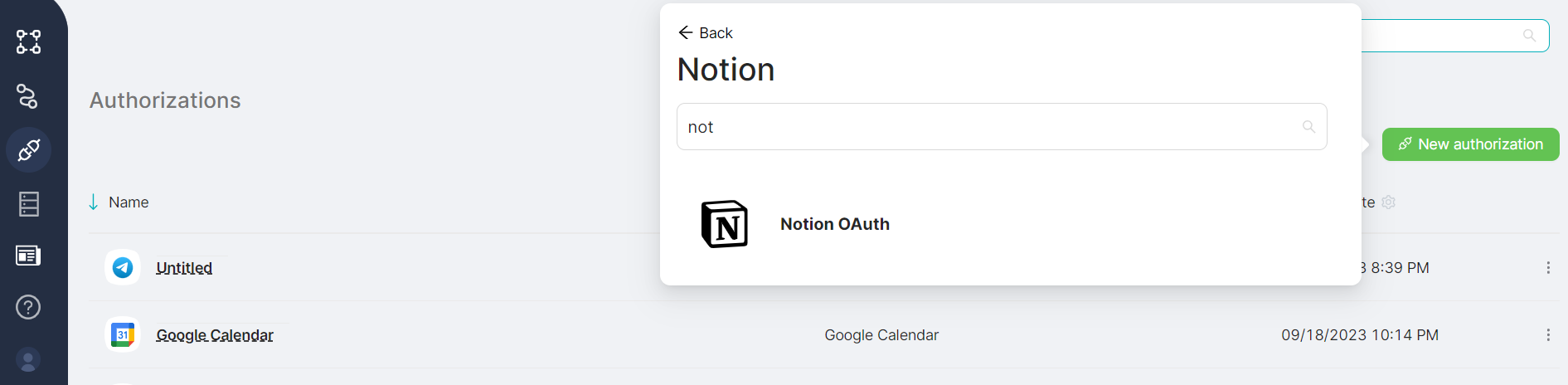
- In the Notion authorization group, choose OAuth2;
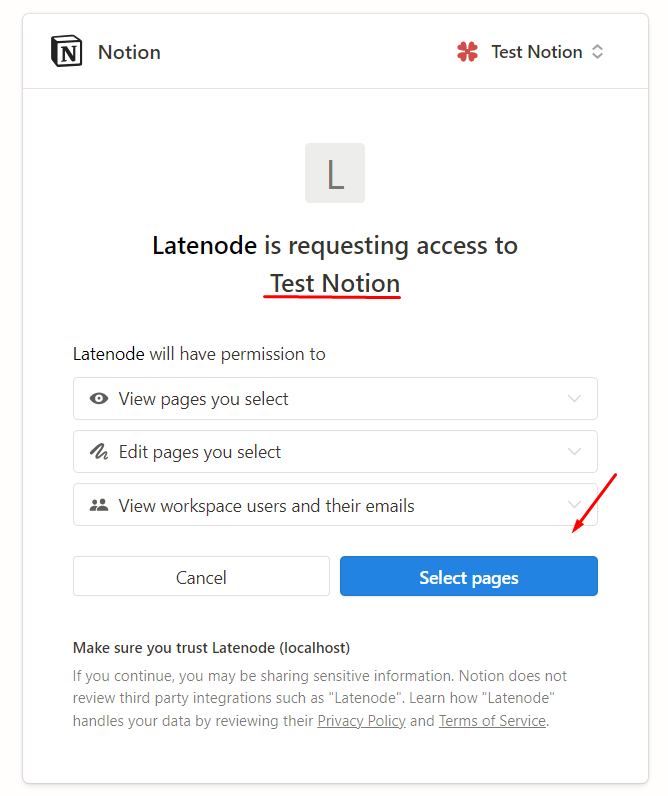
- Select the required workspace and click on the Select Pages button;
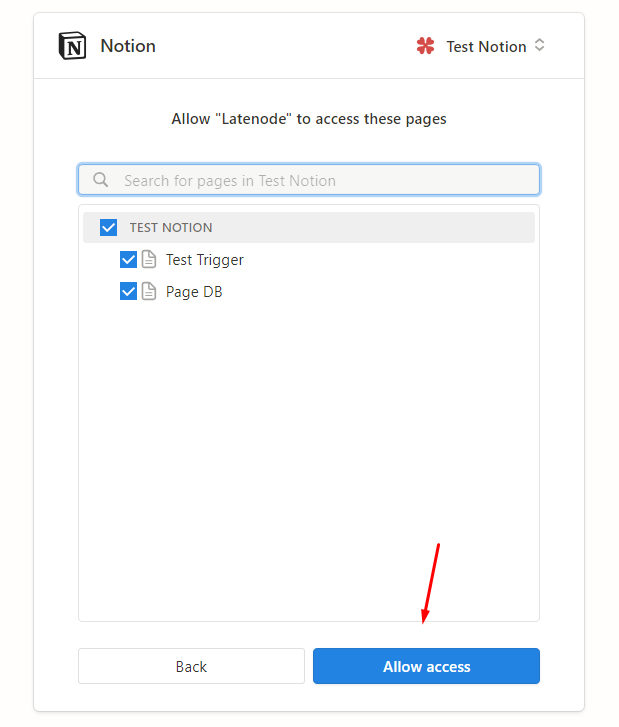
- Choose the necessary pages within the workspace and click on the Allow Access button.
MongoDB
Automating MongoDB queries and data management.
PagerDuty
Managing incident response automation with PagerDuty.
Need Help? Ask the community
If something on this page is missing or unclear, post on the Latenode community forum. Our team and other users usually reply quickly.
0/100
0/2000